Commerce / Mobile and desktop / 2018–2019
Amazon Creator Portal: letting customers upload product videos.
A new experience that lets Amazon customers record and upload videos for their favorite products through the Related Video Shorts widget — giving Amazon scalable, high-quality, customer-created content.
This portfolio showcases my personal work and design projects. While some content may reference my professional experience at Amazon, all views, opinions, and designs presented here are my own and do not reflect the official policy or position of Amazon. Any data or information displayed is either publicly available or has been anonymized to protect confidentiality. This portfolio is intended solely to demonstrate my skills and experience in UX design.
01 / Overview
What it is
Amazon customers can now add videos to their favorite products through the Related Video Shorts widget on product detail pages.
This case study describes the new video-uploading experience for customers on amazon.com — across both mobile and desktop.
02 / Problem & hypothesis
Not enough fresh, high-quality video
Product problem
Amazon didn't have enough coverage of up-to-date, high-quality video content. Producing our own videos and partnering with third parties is slow and doesn't scale.
Hypothesis
Incentivizing customers and making it easy for them to create videos will give Amazon access to more high-quality content. We could prove this by designing an experience that lets customers upload video content via mobile or desktop.
My role
I was the sole UX designer on a team of two developers and a PM. I was responsible for the design direction of the project, while collaborating with the team on ideation.
03 / The opportunity
Grounding the idea in customer data
As I envisioned letting customers upload videos, I needed qualitative and quantitative data to support my design thinking and inform leadership of what customers want and need. I partnered with the PM to uncover customer insights through a series of interviews about behaviors and motivations while shopping.
The interviews showed that: customers find videos related to products very useful — especially when made by other customers and including product feedback. Having followers motivates customers to upload videos, and people want a place to follow influencers and watch their content.
We decided to create a feature that helps customers record and upload videos related to products.
04 / Understanding the user
Provisional personas
To start, I created provisional personas of potential users based on PM knowledge and my understanding of the users. These were built on assumptions rather than full research, but I could return to them again and again to help make design decisions when the objective was unclear.
"As an Amazon customer, I want to share my personal perspective on a known product via video, so I can influence others about the benefits and drawbacks of the product."
Amazon customer

05 / Enable
Motivating customers with the Fogg model
The Fogg Behavior Model shows that three elements must converge at the same moment for a behavior to occur: motivation, ability, and a trigger. When a behavior doesn't occur, at least one of those is missing.
- Motivation: the user responds to a cue that starts her thinking about an action, reacts intuitively to the idea, then evaluates its cost and benefits.
- Simplicity (ability): the user knows where to go to upload videos via the Amazon app.
- Trigger: the timing is right — the user has the tool and the motivation to record a video.

06 / Flow
Mapping the recording journey
I designed a user flow diagram to illustrate every step required to accomplish the app's primary objective: "As an Amazon customer, I want to share my opinion about a well-known product through a video to influence others about its advantages and disadvantages."

07 / Ingress
How users reach the experience
The video shopping experience team owns the video carousel on the product detail page. This widget shows videos related to the product — side-by-side comparisons, unboxings, how-tos, or simple product advice from other shoppers.
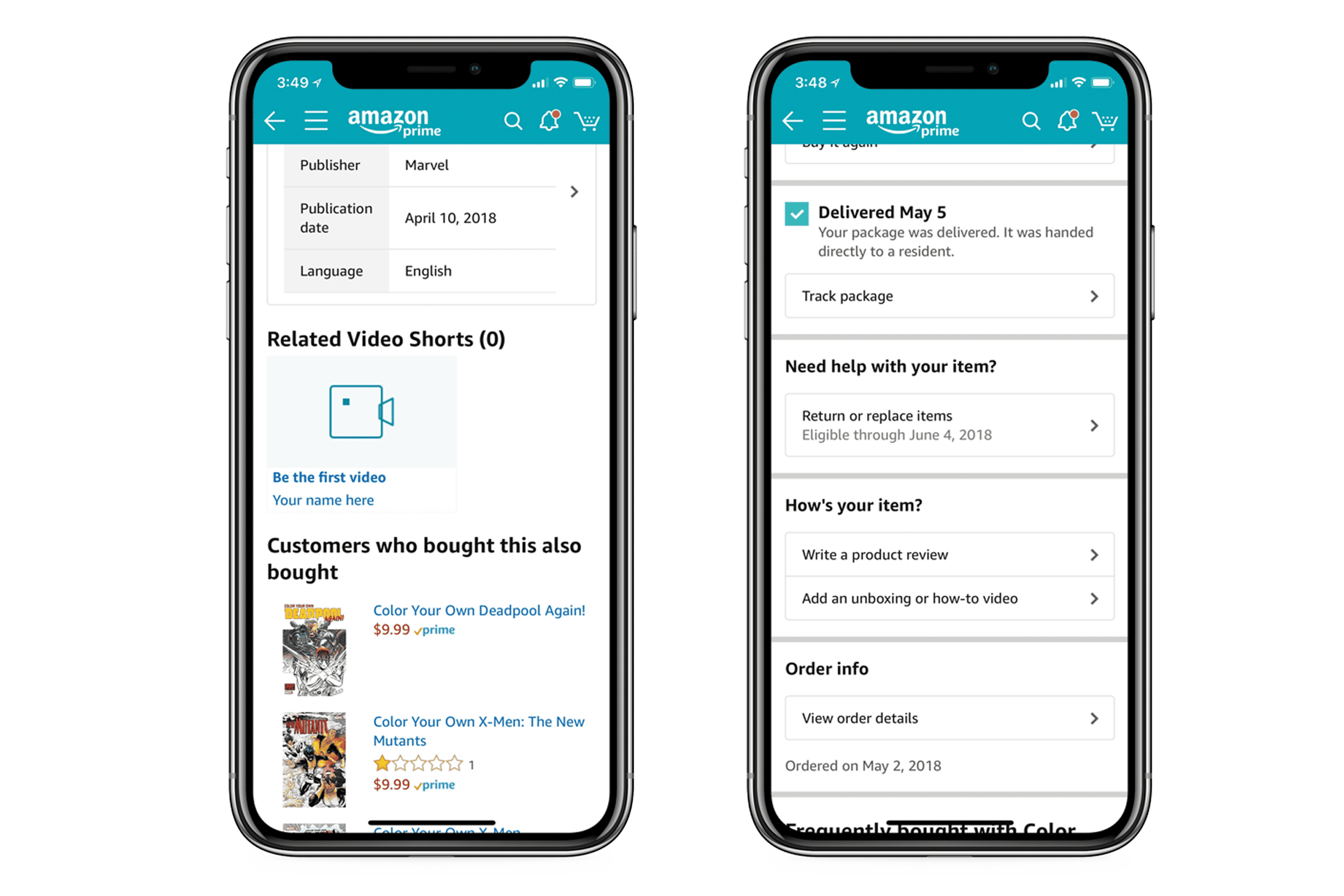
Adding an ingress point in the Related Video Shorts (RVS) widget makes sense because that's where all the video selection lives. This entry point exists on both desktop and mobile.
08 / Wireframing
Designing the upload, step by step
Step 1 — Selecting the media
Clicking "Upload your video" from the product detail page opens the media selector with three options: take a video, photo library, and other. "Other" lets users select videos from services like Dropbox or Google Cloud. The user chooses to record a video, the recording feature opens, and they take a video.

Step 2 — Pick the type of video
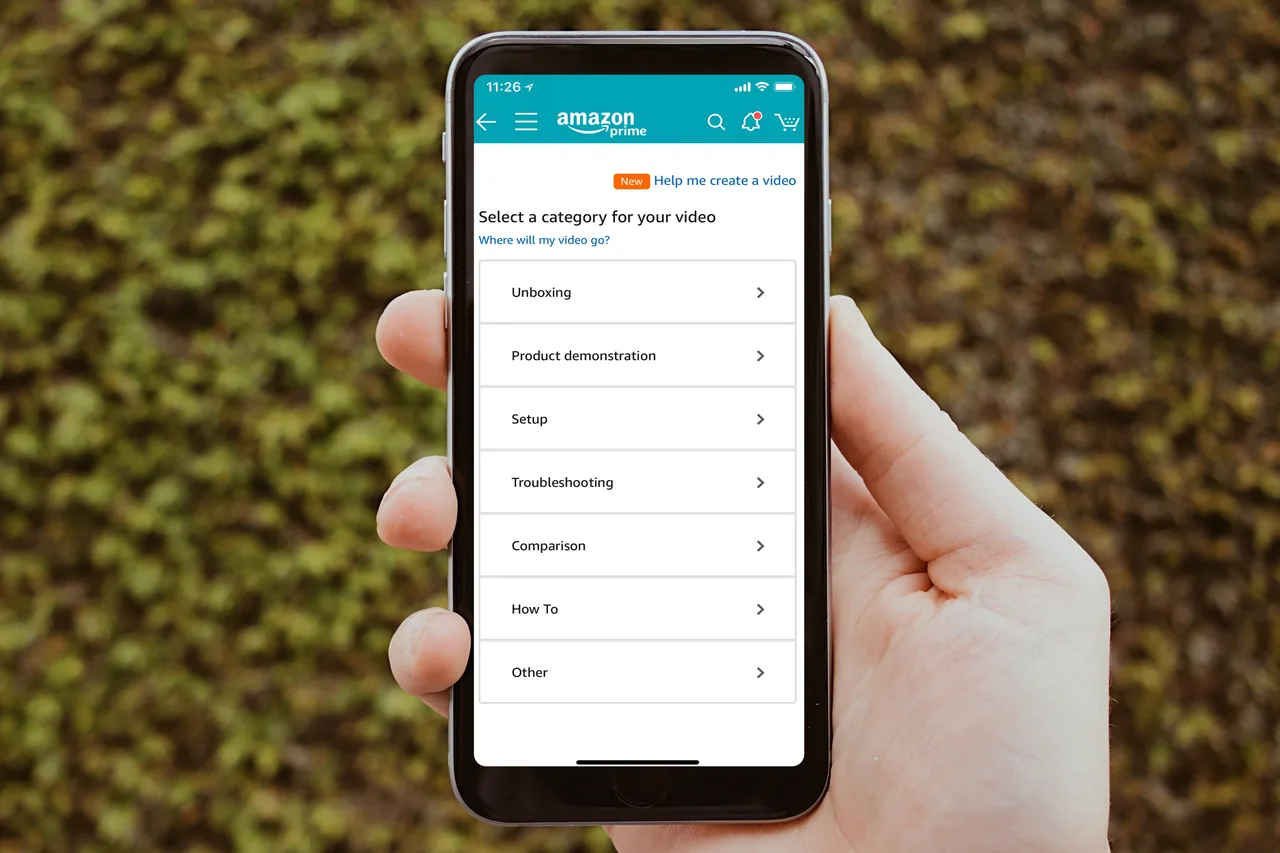
Next, users can continue with uploading or retake the video. If they continue, a screen displays various types of videos to select from, including an "other" option for those who are unsure. The names of the options are based on user feedback.

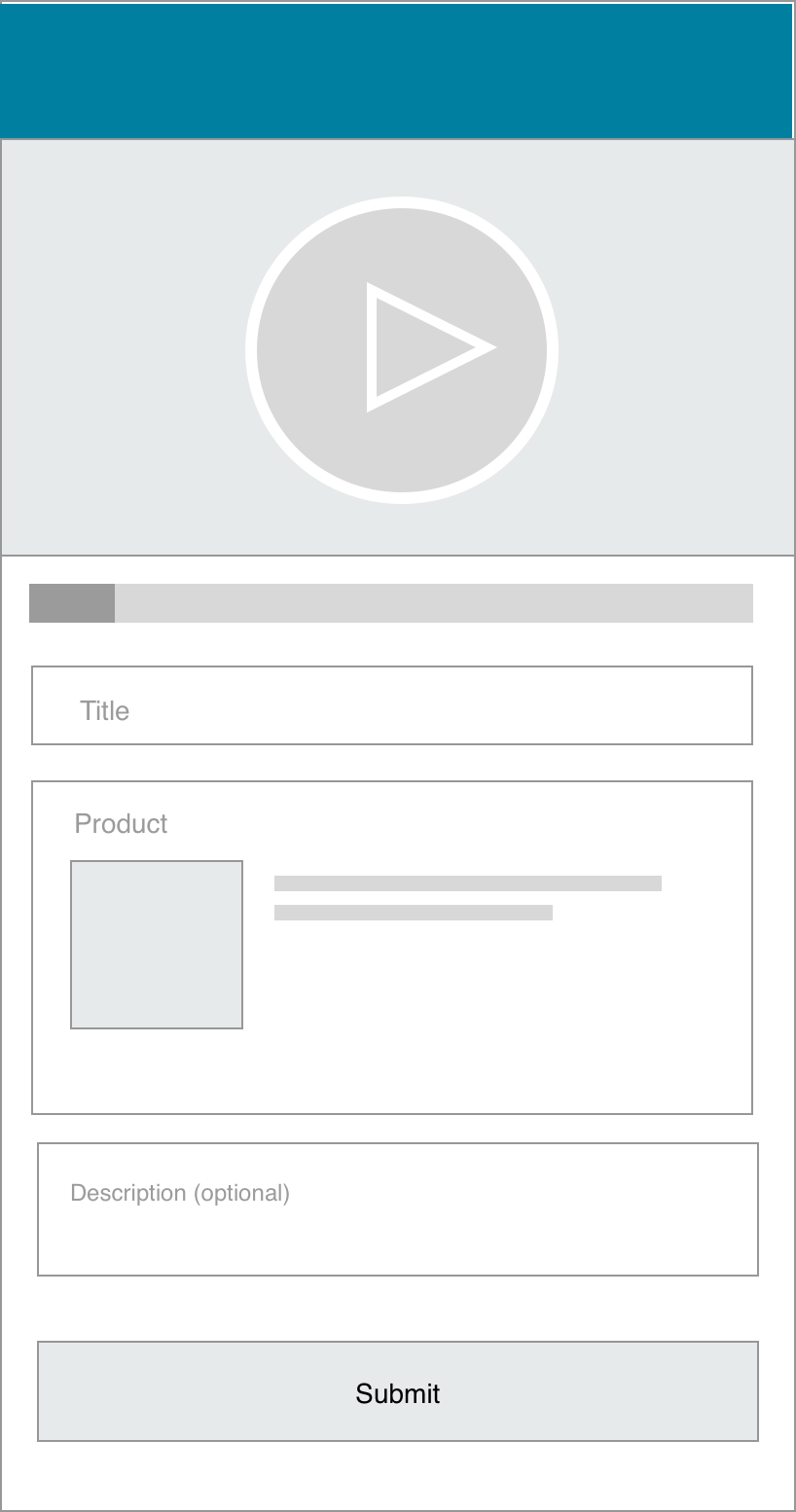
Step 3 — Metadata and uploading
Visibility of system status: the system should always keep users informed about what's happening, through appropriate feedback within a reasonable time.
Step 4 — Confirmation
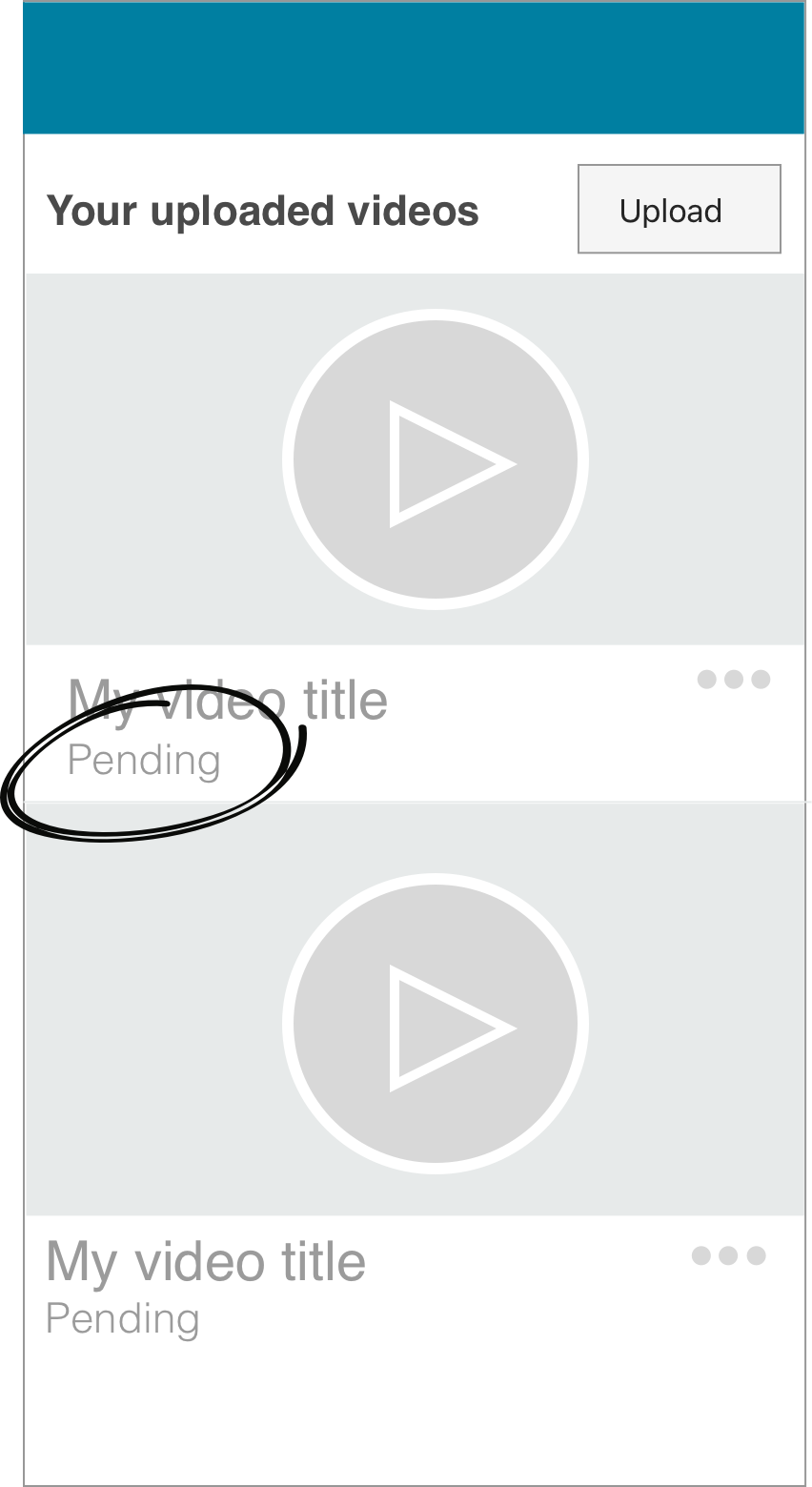
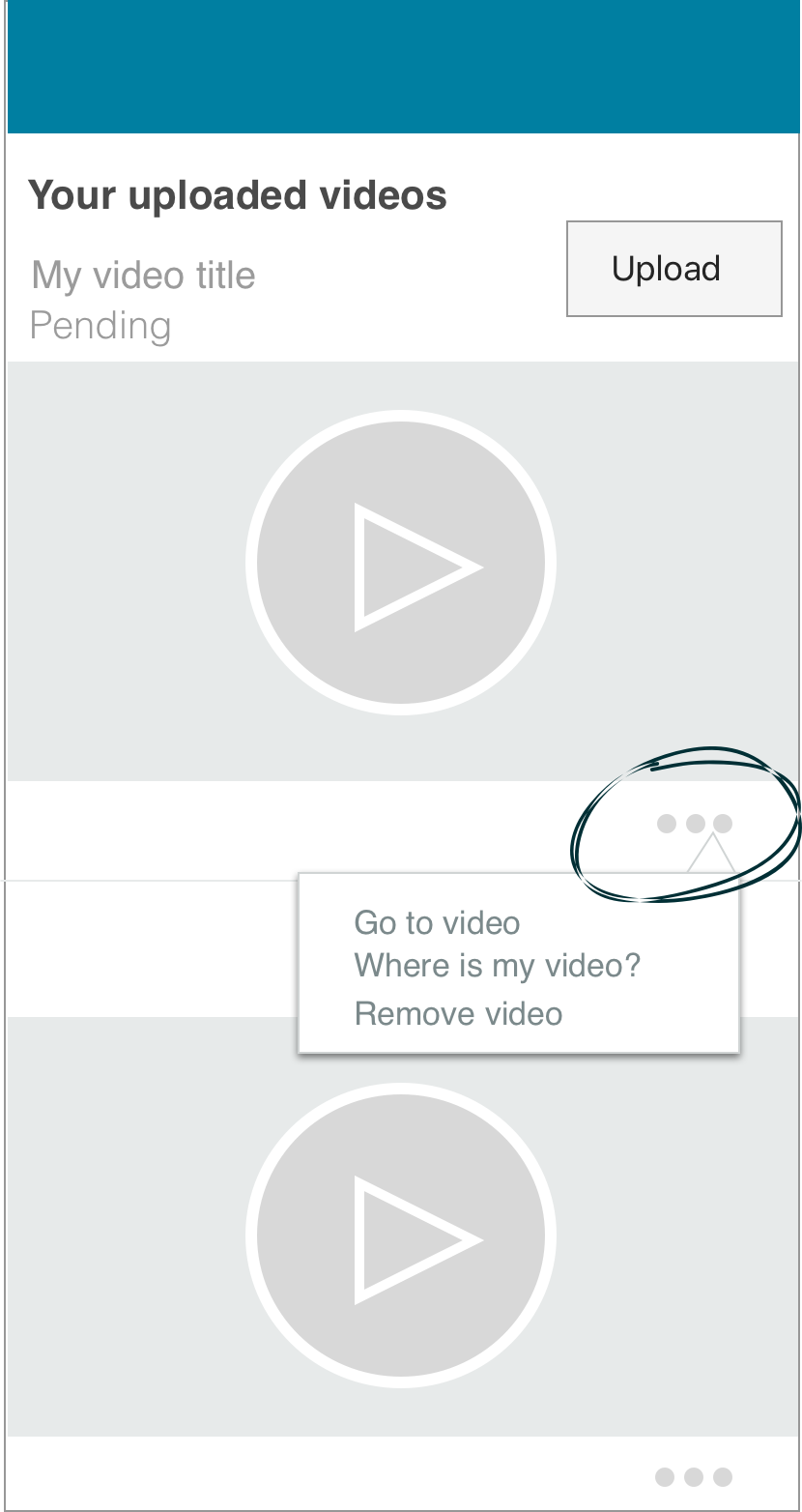
"Pending" informs users about the status of their video until the moderation team approves it. "Upload" lets users upload videos from the media folder.
Step 5 — Options
Tapping the "more" icon opens a menu with different options for the submitted video.
09 / Prototyping
Mobile and desktop prototypes
Mobile prototyping with Axure RP
Axure proved to be the best tool for prototyping. Because of tight timelines, I chose to develop a high-fidelity prototype, which had both benefits and drawbacks. The prototype was a powerful tool for creating transparency during the design process — my WYSIWYG approach was the most effective way to gain feedback from the team, quorum from developers, and approval from leadership. Within the prototype, scroll down and look for "Be the first video" to start uploading.
HTML prototyping for desktop
Desktop uploading and managing videos were also important for the full experience. I developed an HTML prototype so we could gather data on how customers would react to a desktop experience — and it was very useful for developers as a front-end coding reference.
10 / Impact
Introducing the new experience
500+
Videos uploaded daily.
10×
More product videos.
85%
Task completion rate.
$0
Third-party costs.
In your Amazon mobile app or browser, search for any product — you should see a button to "Upload your video." Tap it and submit a video; we'd love to see it.
The launch of the Creator Portal feature had a significant positive impact on uploading and managing videos, enabling Amazon to scale video content through customer contributions.

More case studies
All work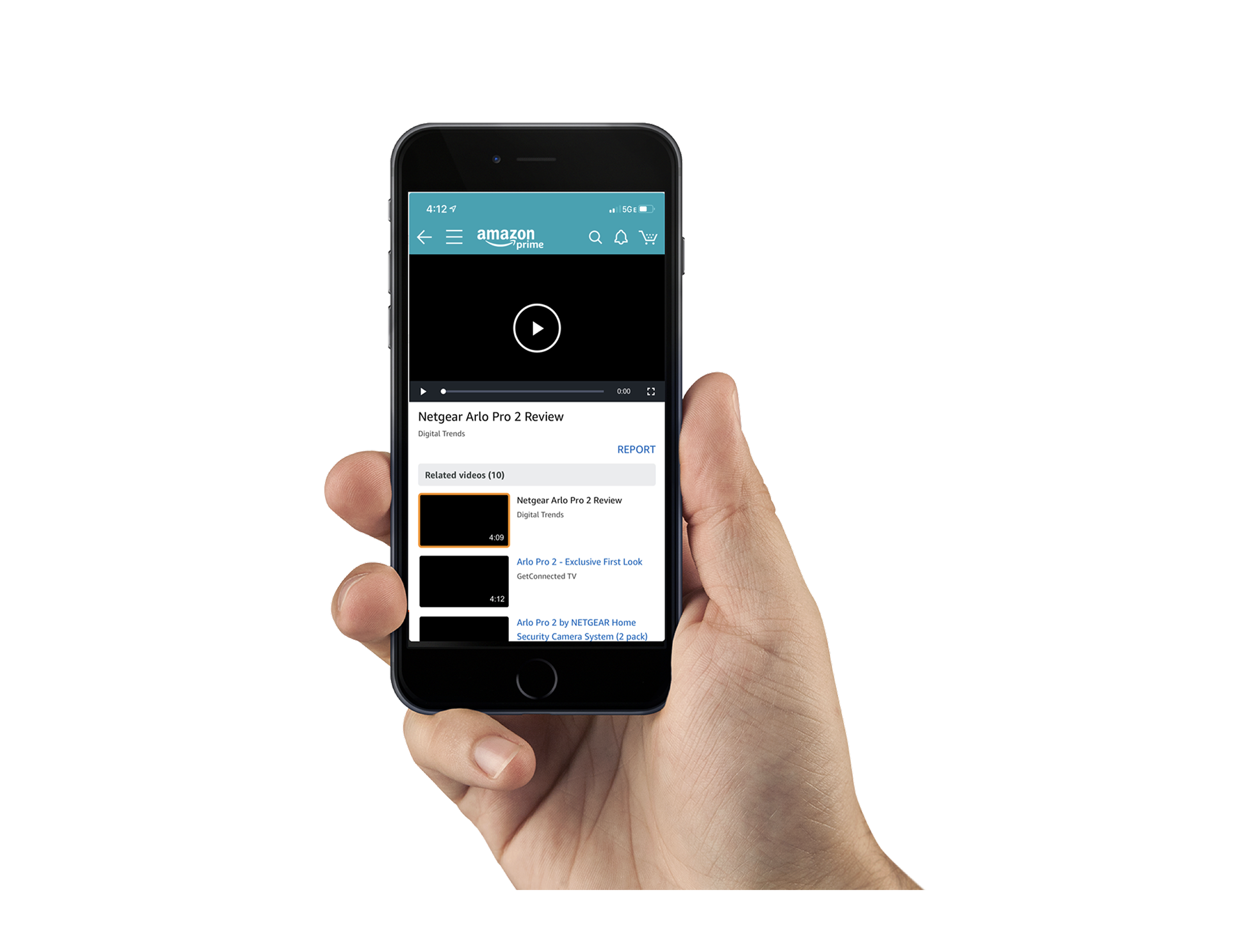
Mobile Video Lightbox
CommerceA way to browse and discover video content directly within the shopping experience.
Building AWS Config
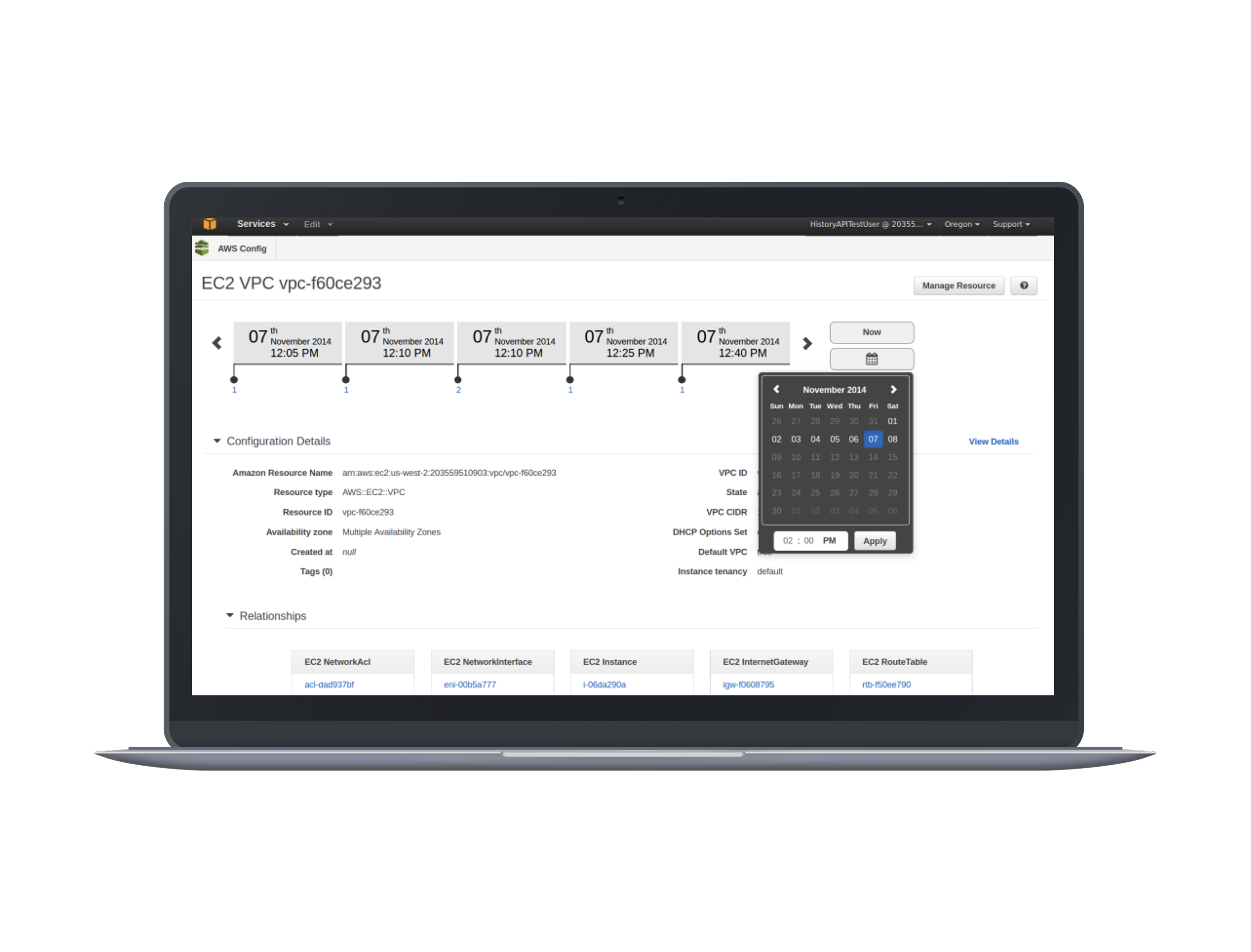
Cloud infrastructureAssessing and auditing configuration changes across cloud resources over time.
Visual Interactive Voice Response
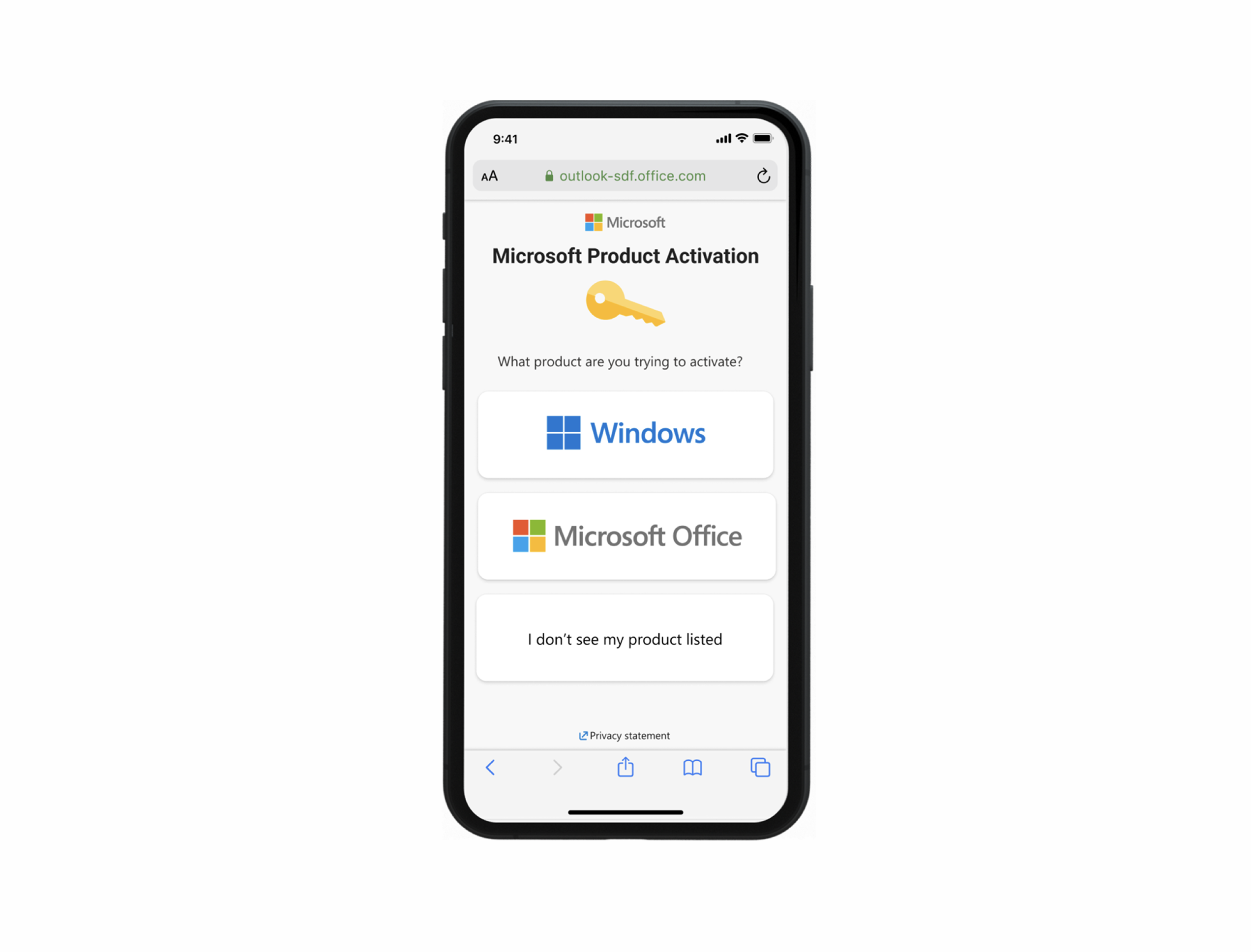
AccessibilityA visual alternative to phone menus that makes support easier to navigate.